

Errors and limits
Last updated 16 August 2026
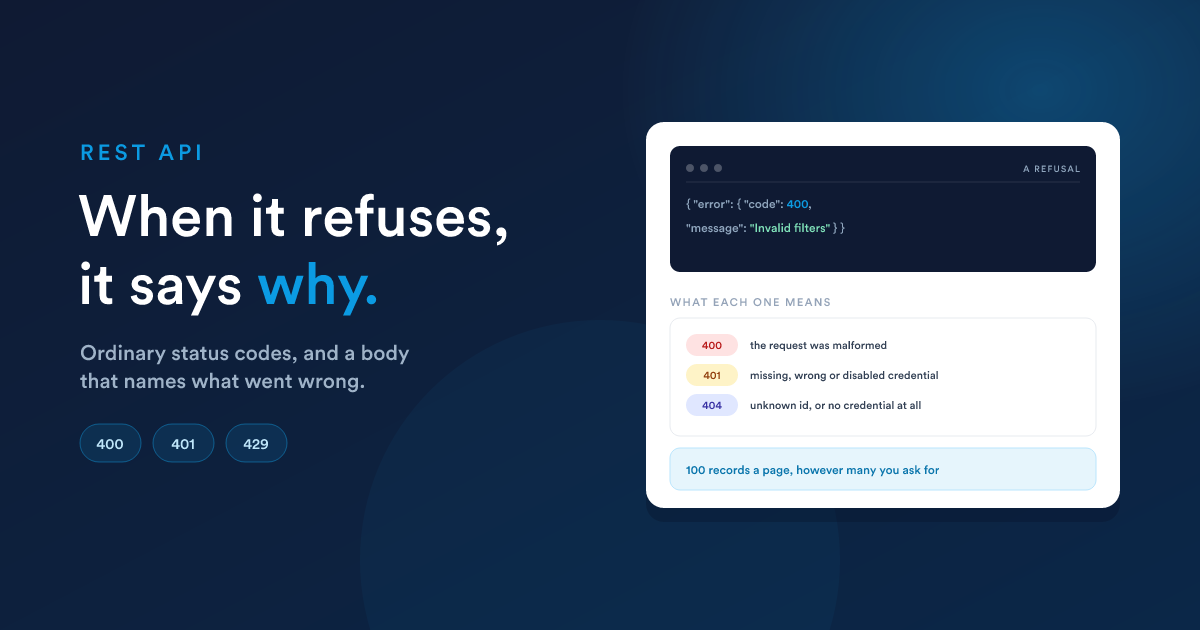
Flexie answers with ordinary HTTP status codes and a JSON body describing what went wrong. Handle the status first, and read the body when you need the detail.
Status codes
| Code | Meaning | Typical cause |
|---|---|---|
200 |
Done | a read, or an update |
201 |
Created | a successful POST to /new |
204 |
Done, nothing to return | a successful DELETE |
400 |
The request was malformed | bad JSON, or a value a field will not accept |
401 |
Not authenticated | missing, wrong or disabled credential |
403 |
Authenticated, but not allowed | the role lacks API access, or lacks rights on the record |
404 |
No such thing | unknown id, unknown route, or no credential sent at all |
405 |
Wrong verb for this path | DELETE on a collection, for example |
429 |
Too many requests | rate limit |
500 |
Something broke on our side | worth reporting |
The shape of an error
Most errors come back as an error object:
{ "error": { "code": 404, "message": "Item was not found." } }A routing error names the verbs the path does accept, which usually tells you the fix immediately:
{ "error": { "message": "No route found for DELETE /api/leads: Method Not Allowed (Allow: GET, POST, HEAD)", "code": 405 } }Authentication failures use the OAuth-style flat shape instead, with a machine-readable code and a sentence for a human:
{ "error": "api_key_disabled",
  "error_description": "This API key is disabled because an active OAuth client with the api scope exists for this user. …" }
So handle both: read error.message when error is an object, and error_description when it is a string. The Authentication page lists every authentication code and what to do about each.
Limits
100 records per request. limit is capped server-side. Ask for 500 and you get 100, with the true total in the envelope so you know to keep going:
{ "total": "10699", "leads": [ /* 100 */ ] }Page through the rest with start on a list, or page on a search. A limit of 0 also means "as many as you allow", so it returns 100 too, and so does anything below zero. Omit limit entirely and you get the workspace's default page size.
Rate limiting. Requests are rate limited per workspace, and going over returns 429. Back off and retry rather than hammering, a short exponential wait is enough. If a legitimate integration needs a higher ceiling, ask support; it is a per-workspace setting.
Be kind with page size. Asking for 100 records with dozens of custom fields each is a large response. If you only need a few fields, a smaller page is usually faster end to end.
Common issues
Most support requests about the API come down to one of the following.
Filters on a GET are ignored
Filtering is a POST to /search. A GET does not read a request body, so sending filters to GET /api/leads returns an unfiltered list and a 200, a successful response to a question you did not ask. Send it as POST /api/leads/search instead. See Finding records.
You get a 404, and an HTML page instead of JSON
If a call returns 404 with an HTML page rather than JSON, the request probably never reached Flexie. Requests to /api must carry either an apikey header (or ?apikey=) or an Authorization: Bearer header; anything else is turned away at the proxy.
Check that your HTTP client is actually sending the header, several clients drop custom headers when they follow a redirect, so an http:// URL that redirects to https:// can silently lose your key. Always call the https:// address directly.
The header must be exactly apikey
Lower case, one word. X-Api-Key, Api-Key and ApiKey are not recognised, and the request is treated as having no credential.
Never send both credentials
A request carrying an Authorization: Bearer header is treated as an OAuth request and your API key is not consulted. Send one or the other.
Your key stopped working overnight
If a key that worked yesterday returns api_key_disabled, someone added an OAuth API client for that user, which switches the key off by design. Either move the integration to OAuth, or switch that client off on the user's API Settings tab to bring the key back. See Authentication.
edit does not create
PATCH /api/leads/edit matches on a unique field and returns 404 if nothing matches. It never creates. Fall back to POST /api/leads/new on a 404 if you want upsert behaviour.
Sort when you page
Without an explicit orderBy, nothing guarantees a stable order between requests, so a record can show up on two pages or be skipped entirely. Sorting by id is the cheapest fix.
total is a string
It comes back as "10699", not 10699. Cast it before comparing or adding.
Getting help
When something is genuinely wrong, the useful details are:
- the full URL and the verb
- the status code you got
- the response body (with any key or token removed)
- roughly when it happened, so it can be found in the logs
Never paste an API key or an OAuth token into a support message, a ticket or a screenshot. If one has been shared by accident, regenerate the key, or delete the OAuth client, straight away.