

Accounts, Teams & Security
Last updated 23 May 2026
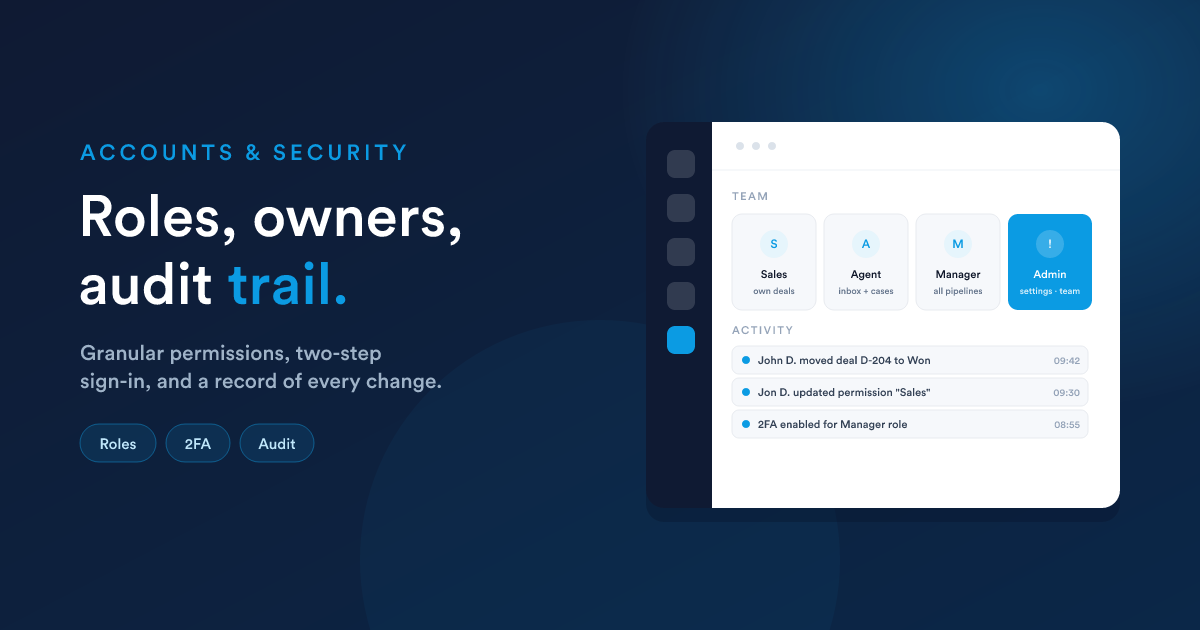
Flexie is built for teams. Everyone you invite shares the same customers, deals, inbox, and data, but each person sees and does only what their role allows. To add someone, invite them by email. They get their own sign-in and join your shared workspace.
Roles and permissions
A role decides what a team member can see and do. This is how you keep sensitive information in the right hands while still letting everyone do their job.
You set up roles to match how your business works, and assign each person the role that fits. When you change a role, the change takes effect immediately, no need for anyone to sign out and back in.
Ownership of records
Most records in Flexie, customers, deals, cases, can have an owner: the team member responsible for them. Ownership keeps accountability clear and lets you control who works on what. Combined with roles, it means people see the records that are theirs to handle.
Secure sign-in
Flexie protects every account with secure sign-in. For extra protection, signing in can be confirmed with a one-time code, a short code that must be entered to complete the login. Even if someone learns a password, they still cannot get in without that second step. It is strong protection that stays simple for your team to use.
The activity record
Flexie keeps a record of the important things that happen in your account, who changed what, and when. If you ever need to check back, the history is there. It is accountability built into the platform.
Connections and outside access
When you connect Flexie to another tool or to an AI assistant, that connection is protected and limited to exactly what you allow. You can review every connection and switch any of them off at any time. See Integrations & Developer Access.
Flexie AI plays by the same rules
Flexie AI follows the same permissions as your team. It can only do what the account allows, and before it makes any important change, it asks for approval first. See Flexie AI.
Your data is yours
The information you put into Flexie belongs to you. You can work with it, export it, and decide who has access to it. Flexie is the home for your business data, not the owner of it.
Good security habits
A few simple practices keep your account safe:
- Give each person their own sign-in. Never share logins.
- Use roles so people have only the access they need.
- Turn on the one-time code sign-in for everyone.
- Remove access promptly when someone leaves the team.
- Review your connections to outside tools from time to time.
Just ask Flexie AI
- "Who has admin access on this account?"
- "Show me what changed on this deal last week and by whom."
- "Remove access for someone who has left the team."
See Flexie AI.
Next steps
- Getting Started: set up your account and team.
- Integrations & Developer Access: manage outside access.
- Flexie AI: see how the AI respects your permissions.