

Overview
Last updated 25 May 2026
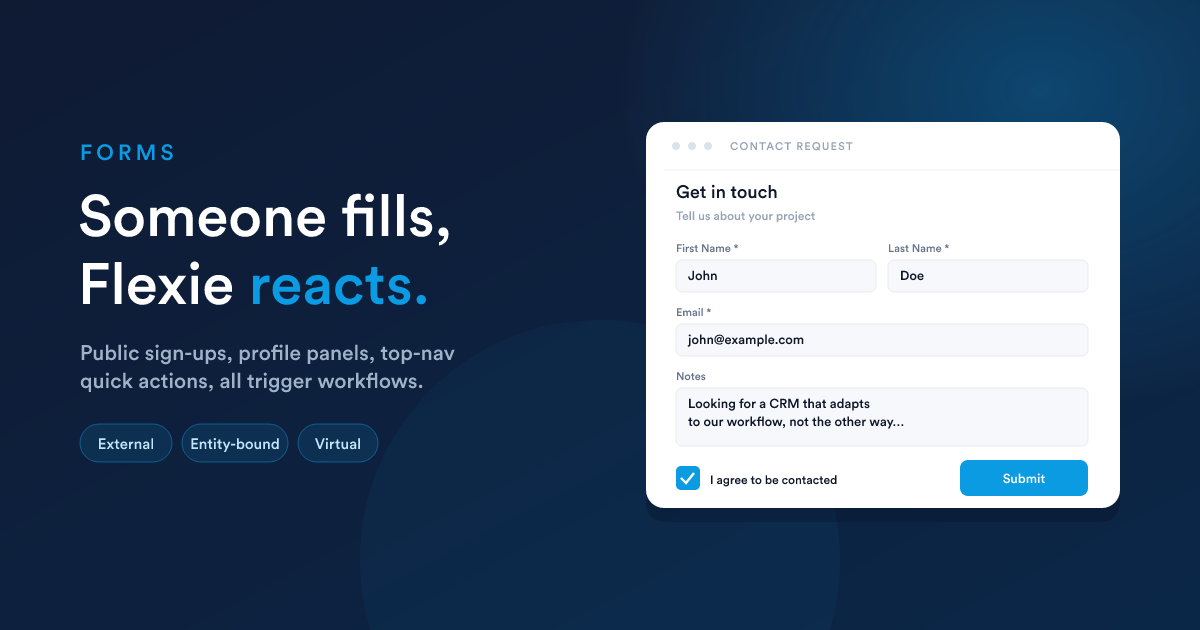
A Form is a structured way of collecting information, either from people outside Flexie (sign-ups, contact requests, applications) or from your own team inside Flexie (creating a record from a quick panel, updating fields, logging a call note).
In every case the principle is the same:
Someone fills the form. Flexie stores the submission. A workflow can react instantly.
What changes between use-cases is who fills it in, where they fill it in, and what record (if any) it is attached to. That is why Flexie has three form flavours, and choosing the right one is the most important decision when you create a form.
The three flavours of Form
| Flavour | Who fills it | Where it lives | What it produces |
|---|---|---|---|
| External | Anyone, usually a customer or prospect, with no login | A public URL /form/{identifier}, or embedded on your own website |
A submission stored against the form, plus a workflow trigger |
| Internal (entity-bound) | A signed-in team member | A button or panel on a record's profile (Lead, Contact, Deal, Case) | A submission stored against that record, plus a workflow trigger that can read the record and the submission |
| Internal (virtual) | A signed-in team member | The top-navigation quick menu, or the dialer | A submission stored on its own (no record attached), plus a workflow trigger |
You choose the flavour when you create the form, and it is fixed afterwards. The form's type and bound record type can't be changed once the form exists. Pick deliberately.
Quick decision guide
| You want to… | Use |
|---|---|
| Collect leads from your website | External |
| Take a job application or quote request from the public | External |
| Add a structured note to a contact from the contact's profile | Internal (entity-bound) to Contact |
| Update specific fields on a deal from a quick panel | Internal (entity-bound) to Deal |
| Let support agents log a callback through the top-bar | Internal (virtual) |
| Start an internal workflow that isn't tied to any one record | Internal (virtual) |
The lifecycle of a submission
Whatever the flavour, the flow is the same shape:
- Form rendered, on a public URL for a visitor or in a profile/top-nav panel for a teammate.
- Submitted, the form posts to Flexie. Uploads go to cloud storage; the submission is stored.
- Workflow fires, the listener picks it up. Steps run, and a Form Respond action can optionally write a response back to the submitter.
What "stored" looks like and what the listener gets depends on the flavour, but every form ends with the same __data notepad your workflow steps can read. The Forms in workflows page is the reference for that shape.
What is in this section
- Creating a form: the builder, the field types, validation, the settings every form has, and the choice between single-page and wizard.
- Public (external) forms: the public URL, the embed snippet for your website, security (reCAPTCHA), analytics, and the post-submit response.
- Internal forms: entity-bound forms on record profiles, virtual forms in the top-nav and dialer, prefill from the record, icon and placement, and access control.
- Submissions: where submissions are stored, how to view them, and how to read them safely in Flexie Scripting (including the bracket notation for keys with spaces).
- Forms in workflows: the three listeners (one for each flavour) with their exact
__datashape, the form-related workflow actions (push a form to a user, write back a response), and the request/response polling pattern.
Closely related
- Workflows: a form's submission almost always starts a workflow. Forms are arguably the most common workflow trigger after record events.
- Dynamic Endpoints: when you need a web URL but don't need a form's visual builder (e.g. a system-to-system webhook), use a Dynamic Endpoint instead.
- Flexie Scripting: reading the submission data from inside workflow steps.
Who should read what
- End users and builders: Creating a form, Public forms or Internal forms (whichever applies), and Submissions.
- Administrators: also read Forms in workflows and the access control section of Internal forms.
- Developers integrating a Flexie form into their website: the embed section of Public forms.