

Virtual Entities
Last updated 23 May 2026
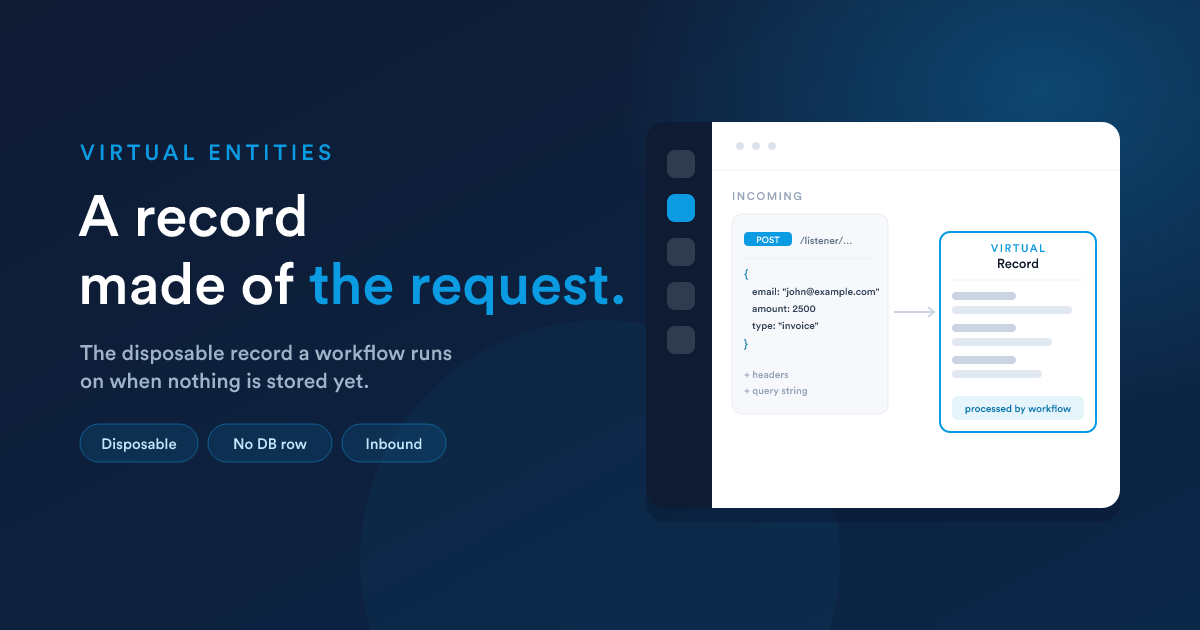
Every workflow runs on a record type. Usually that is a real, stored type, Lead, Deal, Invoice, a custom record. A virtual entity is a special record type (shown as virtual) for workflows that react to data arriving from outside, where there is nothing stored to run on yet.
When a request hits a dynamic endpoint, Flexie wraps that request up as a virtual entity and runs the workflow against it. The workflow's steps then read the request's contents and do real work, looking up and updating stored records, sending messages, calling other systems, replying to the caller.
Think of it as a disposable record made of the incoming data, existing just long enough for the workflow to process it.
What feeds a virtual entity
A virtual entity can be created from several kinds of incoming data, not only web requests. The sources Flexie supports:
- A web request to a dynamic endpoint (the main case, this section's focus)
- An inbound email
- An inbound SMS
- An inbound WhatsApp message
- A form submission
- A scheduled trigger
- A record-deletion event
In every case the principle is the same: some data arrives, it becomes a virtual entity, and a workflow processes it.
The one rule to remember
A workflow whose record type is virtual can only use the Listener or Scheduled sources. That makes sense: a virtual entity comes into being because a signal arrived (listener) or a clock fired (scheduled), there is no stored record to trigger "on create or update."
The builder enforces this. If you choose the virtual record type, you will only be offered those two sources.
How the data is reached
Once the workflow is running on a virtual entity, the incoming data is available to your steps through Flexie Scripting tokens. For a web request:
- The body's fields are available as
{{ __data.field_name }}. - The request headers are under
{{ __data.__headers.* }}. - Anything earlier steps stored is under
{{ __data.* }}.
The details, how different body formats are read, and exactly where each piece lands, are on the Receiving data page.
Creating a virtual-entity workflow
- Open the Workflows section and choose New.
- For record type, choose the virtual type.
- For source, choose Listener (for an endpoint or an inbound message) or Scheduled.
- Add the endpoint listener (for web requests), see Creating an endpoint, and build your steps.
Next steps
- Creating an endpoint: the URL and its security.
- Receiving data: turning the request into usable values.