

Connecting outside assistants
Last updated 6 June 2026
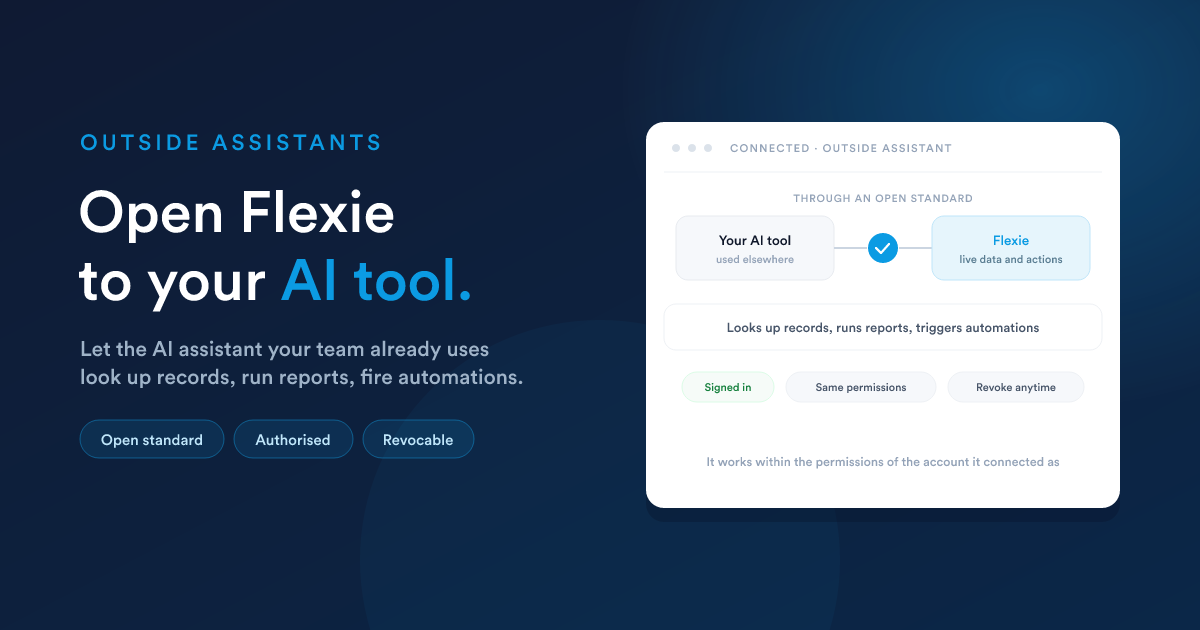
If your team already works in an AI assistant elsewhere, Flexie can safely open its abilities to it, so that assistant can look up customers, run reports, and trigger automations in Flexie, without anyone leaving the tool they are in.
What it does
Flexie can present its abilities to an outside AI assistant through the open industry standard for connecting AI assistants to business software. Once connected, that assistant can do the same kinds of things Flexie's own assistant does: find records, run a report, start an automation, all by asking, from within the assistant your team already uses.
It stays just as safe
Opening Flexie to an outside assistant does not loosen any of your protections:
- Secure sign-in. The outside assistant has to be authorised first, through a proper sign-in and consent step. It cannot connect quietly.
- Same permissions. It works within the permissions of the account it connected as. It cannot reach anything that account could not reach by hand.
- Same approvals. Actions that change data still go through Flexie's approval rules.
- You can revoke it. Access can be withdrawn at any time, cutting the outside assistant off.
Why teams use it
- Work where you already are. Pull Flexie's data and actions into the AI tool your team has standardised on.
- One source of truth. The outside assistant reads live Flexie data, not a stale copy.
- No custom build. Because it uses an open standard, connecting is configuration, not a development project.
Closely related
- Integrations & developer access: connecting Flexie to your other tools.
- Approvals & safety: the permission and approval rules that still apply.
- The chat assistant: Flexie's own built-in assistant.