Cases & Support
Last updated 22 May 2026
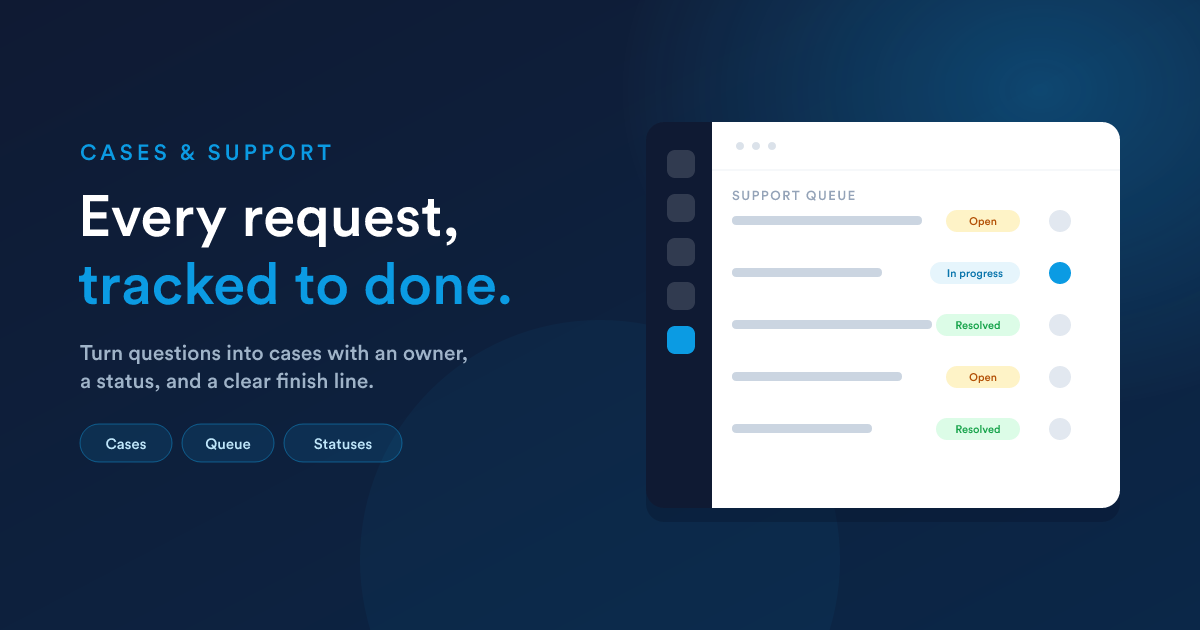
A case is a customer question or problem you are tracking to resolution, what other tools call a support ticket. Cases turn "someone needs help" from a message that might get forgotten into a job with an owner, a status, and a clear finish line.
Where cases come from
A case can start from a customer message, a form, your team, or automation:
Working a case
Each case keeps everything about the issue together:
- The customer it belongs to, with their full history
- A description of the problem or question
- Its status, so you always know what is open, in progress, or resolved
- An owner, the team member responsible for it
- Every message exchanged about it
The team works the case until it is resolved, and nothing slips, because the case holds the whole thread in one place.
Replying on any channel
A customer might have asked by email but prefer a text reply, or the other way round. From inside a case you can reply on whichever channel suits, and the whole back-and-forth stays attached to the case. The customer gets a smooth experience; your team keeps one tidy record.
A clear support queue
Because every case has an owner and a status, your support work becomes an organised queue rather than a scramble. Everyone can see what is open, what is assigned to them, and what still needs attention.
Automating support
Automation makes support faster and more consistent:
- Send an instant "we have received your request" reply.
- Assign new cases to the right team member automatically.
- Notify a manager when a case has been open too long.
- Follow up with the customer after a case is resolved.
See Workflow Automation.
Templates for faster replies
Save your common answers as templates so your team can respond to frequent questions in seconds, with consistent wording.
Measuring your support
Build dashboards and reports to understand how support is going: cases opened and resolved, how long they stay open, and which team members are handling what. See Dashboards & Reports.
Just ask Flexie AI
- "Show me all open cases that have not been updated in three days."
- "How many cases did we resolve last month?"
- "Build an automation that alerts a manager when a case stays open over 48 hours."
See Flexie AI.
Next steps
- Inbox: where many cases begin.
- Workflow Automation: automate your support flow.
- Forms: let customers raise cases themselves.