Overview
Last updated 23 May 2026
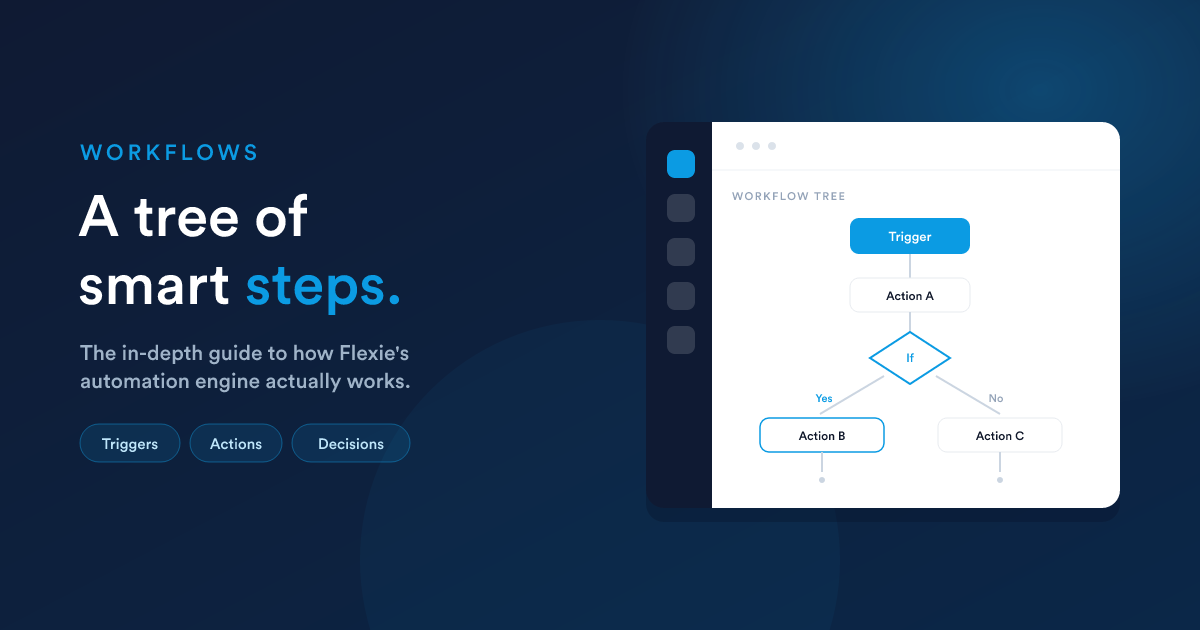
This section is the complete guide to Flexie's automation engine: what a workflow is, how it's built, how it runs, and how to make it do real work reliably.
What a workflow is
A workflow is an automation you set up once and Flexie then runs for you. At its heart is a single idea:
When something happens, do a series of things, and make smart choices along the way.
A workflow is built as a tree of steps. Something triggers it (a record changes, a message arrives, a schedule fires), and from there execution flows down through the steps you have connected, branching left or right at each decision.
The four building blocks
Every workflow has four kinds of building block. Understanding these four is the key to everything else.
| Block | What it is | What it returns or does |
|---|---|---|
| Trigger / Source | What makes the workflow run, and on which kind of record. | Starts the run for one or more records. |
| Action | A step that does something: send a message, create or update a record, call a webhook, store a value. | Succeeds or fails, which can route the next steps. |
| Decision | A step that checks something and splits the path into a Yes branch and a No branch. | Yes or No. |
| Listener | A step that waits for an external signal (an email opens, a reply arrives) before its branch continues. | Resumes its branch when the signal fires. |
Actions and decisions are connected into a tree: each step has a parent, and a decision's children are tagged as belonging to its Yes branch or its No branch. How that tree is walked, and how independent branches can run at the same time, is covered in Runtime, parallel execution & the tree.
A worked example, in words
Trigger: a deal moves to the "Won" stage. Action: create an onboarding task for the account manager. Decision: is the deal value over 10,000? Yes: notify the head of delivery, and send a premium welcome email. No: send the standard welcome email. Action (both branches): add the tag
onboarding.
That is a workflow: one trigger, a few actions, one decision with two branches.
The two ways to build one
- The visual builder. Open the Workflows section in your Flexie account, create a new one, and assemble the trigger, actions, and decisions on a canvas by adding blocks and connecting them. This is the hands-on way and is what most of this section documents.
- Ask Flexie AI. Describe the automation in plain words and Flexie AI builds the whole tree for you, ready to review and switch on. See Flexie AI. Everything the AI builds is an ordinary workflow you can then open and edit in the builder.
What this section covers
- Building a workflow: the canvas, adding and connecting steps, saving, publishing, and the lifecycle of a workflow.
- Triggers & sources: the five ways a workflow can start, and choosing the right one.
- Actions & decisions: the step types, the decision conditions, the Yes/No branching, and how failures are handled.
- Runtime, parallel execution & the tree: how the tree is walked, immediate vs background running, and how independent branches run in parallel.
- Passing data between steps: the
__datanamespace, how each step can use what earlier steps and the trigger produced. - Scheduling, testing & troubleshooting: delays, time windows, throttling, the test run, the activity logs, versions, and the common pitfalls.
Closely related: Dynamic Endpoints are workflows triggered by an incoming web request and built on a "virtual" record. They are a kind of workflow, documented separately because they are a topic in themselves.
Who should read what
- End users and builders: start with Building a workflow and Triggers & sources, then Actions & decisions.
- Administrators and power users: also read Runtime, Passing data, and Scheduling & troubleshooting. These explain the behaviour that determines whether a busy workflow is fast, correct, and safe.
Next steps
- Building a workflow: step by step, from an empty canvas to a live automation.
- Triggers & sources: the five ways a workflow can start.
- Actions & decisions: the building blocks each step is made of.