AI by text & WhatsApp
Last updated 6 June 2026
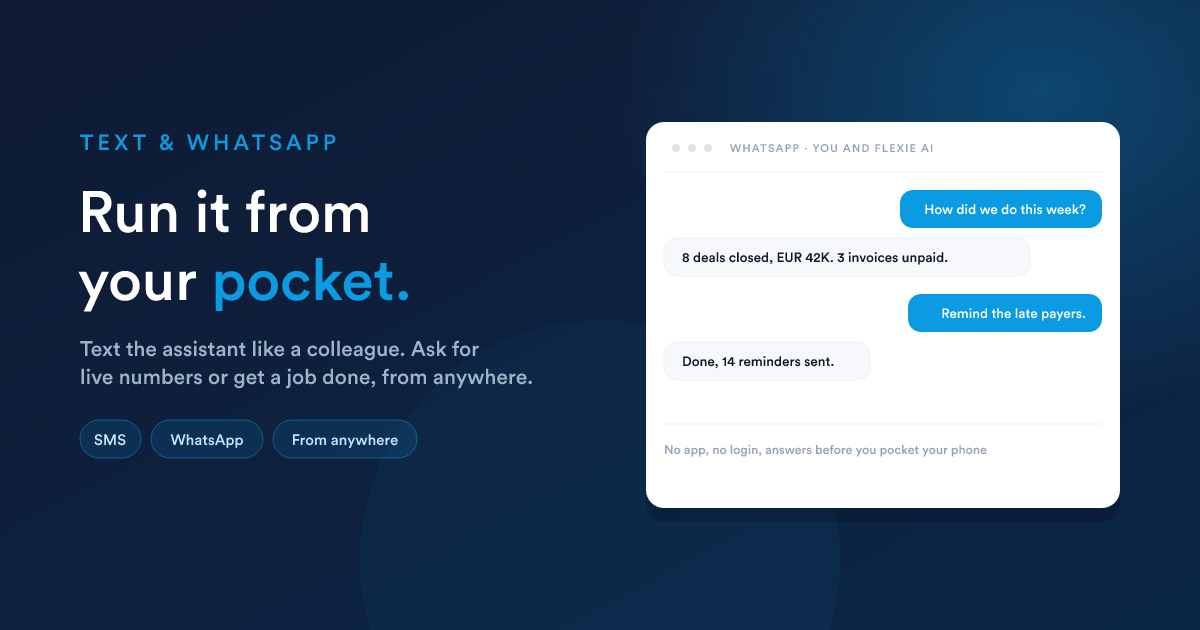
You do not have to be at your desk, or even open Flexie, to put the AI to work. You can do it from the messaging app already on your phone. You text it the way you would text a colleague, it does the work inside Flexie, and it replies.
How it works
You set this up once, as a small automation with three pieces:
From then on, every message to that number reaches the AI. The exact same setup works for WhatsApp.
What you can do by message
- Ask for live numbers. "How many deals closed this week? What's unpaid?"
- Trigger actions. "Remind every customer with an overdue invoice to pay."
- Update records. "Add a note to the Johnson deal: they want to start in March."
You stay in control
Because it is built as an automation, you decide the details:
- Which number it answers on.
- What the AI is allowed to do through it, the abilities you grant the step.
- Which messages it should respond to, by filtering out anything that should not reach it.
The same safety rules apply as everywhere else. See Approvals & safety.
Why it matters
- No app, no login. It works through plain text messages and WhatsApp.
- It works from anywhere. On the road, on site, between meetings.
- It is instant. Answers come back before you have put your phone away.
For owners and managers who are rarely at a desk, this turns the whole platform into something you run from your pocket.
Closely related
- AI in workflows: the AI step that reads the message and writes the reply.
- Communication & Inbox: setting up the text and WhatsApp channels.