Responding to the Caller
Last updated 23 May 2026
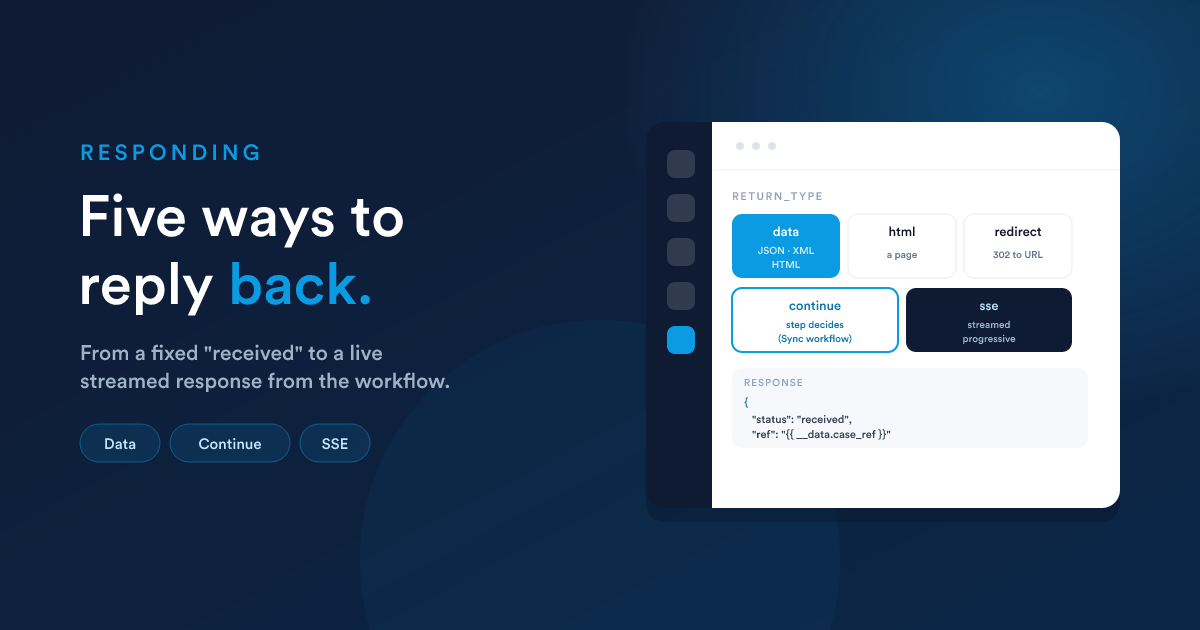
The reply is controlled by the endpoint listener's response type (return_type), set when creating the endpoint. All response bodies support Flexie Scripting, so they can include the incoming data and anything your steps produced.
The five response types
1. data, a body you define
Return a fixed (or token-filled) body. Flexie auto-detects whether it is JSON, XML, or HTML and sets the content type accordingly. Returned with HTTP 200.
Field: return_data.
{ "status": "received", "ref": "{{ __data.case_ref }}" }
This is the default choice for webhooks: acknowledge receipt and optionally echo back an id your workflow created.
2. html, an HTML page
Return an HTML page. Useful when a browser hits the endpoint and you want to show something.
Field: return_html.
<html><body><h1>Thanks, {{ __data.first_name }}</h1></body></html>
3. redirect, send the caller elsewhere
Return a redirect to a URL you specify (HTTP 302). Useful for "submit, then go to a thank-you page."
Field: return_redirect.
https://example.com/thank-you?ref={{ __data.case_ref }}
4. continue, let the workflow decide the reply
Instead of a fixed response, the reply is produced by a step inside the workflow: the endpoint response action. Use this when the answer depends on what the workflow finds or computes, different replies down different branches.
How it works:
- Add an endpoint response action at the point in the tree where you know the answer. It has its own
return_type(data, html, or redirect) and the matching body or URL field. - The workflow runs, reaches that action, and the action's output becomes the caller's response.
Timing depends on the workflow's run mode:
- Sync workflow: the endpoint holds the request open and returns the moment the response action fires, a true request and response.
- Async workflow: the endpoint waits for the response for up to 20 seconds. If the response action fires within that window, the caller gets it; if not, the request times out. For reliable
continueresponses, prefer a Sync workflow so the reply is produced within the request.
5. sse, a live, streamed response
Stream a response as a sequence of events (Server-Sent Events), for progressive output, such as a long-running computation or AI output appearing piece by piece. The workflow's steps emit frames as they run, and a final frame closes the stream.
sserequires the workflow to be in Sync mode. An Async workflow has nowhere to stream to. Set the run mode to Sync before relying on streaming.
Choosing
| You want… | Use |
|---|---|
| A fixed acknowledgement or echo | data |
| To show a web page | html |
| To bounce the caller to another URL | redirect |
| A reply that depends on what the workflow finds | continue (Sync workflow) |
| Progressive or streamed output | sse (Sync workflow) |
A reminder on security
The response can include incoming data and computed values. Be careful not to echo back anything sensitive to an unauthenticated caller. If the endpoint returns data that matters, protect it with authentication.
Next steps
- End-to-end examples: responses in complete round trips.
- Creating an endpoint: where the response type is set.