End-to-End Examples
Last updated 23 May 2026
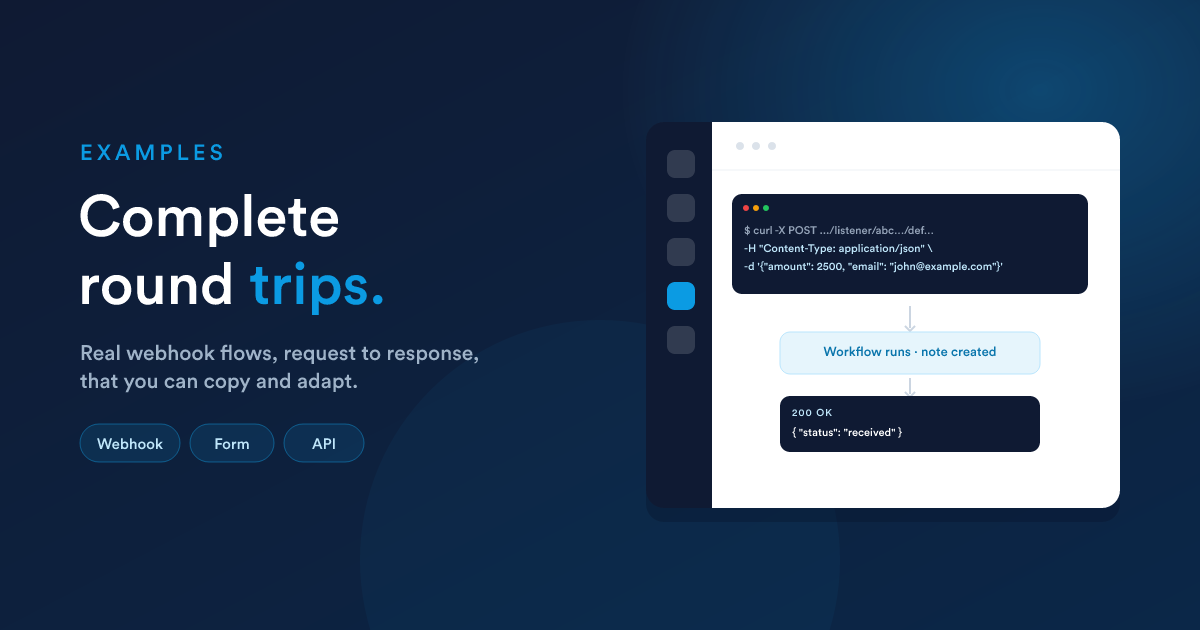
Complete round trips you can adapt. Each shows the incoming request, the workflow steps, the tokens used, and the response.
All examples assume a published virtual workflow whose starting step is the endpoint listener (see Creating an endpoint).
Example 1: Receive a webhook and acknowledge
Goal: another system tells Flexie an invoice was raised; Flexie records a note on the matching contact and replies "received."
The request the other system sends:
curl -X POST https://your-flexie/listener/abc123…/def456… \
  -H "Content-Type: application/json" \
  -d '{
        "invoice_amount": 2500,
        "customer_email": "john@example.com"
      }'
The workflow:
- Decision (virtual condition):
{{ __data.customer_email }}is not empty
- No: endpoint response action returns
{"error":"email required"}. - Yes: continue.
- Action, Create a note on the contact found by email, body:
Invoice raised: {{ formatCurrency(__data.invoice_amount, "€") }}. - Endpoint response (return_type = data):
{ "status": "received" }.
Endpoint listener settings: return_type = continue (so step 3 produces the reply), workflow run mode = Sync.
Key point: the body fields are read from the __data namespace, {{ __data.customer_email }}, {{ __data.invoice_amount }}, not at the top level.
Example 2: Create-or-update a contact from a website form
Goal: your website posts a sign-up; Flexie creates the contact if new, updates it if it exists, and redirects the visitor to a thank-you page.
The request (form-encoded, straight from a browser):
POST /listener/…/…
Content-Type: application/x-www-form-urlencoded

first_name=John&last_name=Doe&email=john@example.com
Endpoint listener settings: allow_cors = on, cors_domains = https://www.yoursite.com (because a browser calls it directly); return_type = redirect; return_redirect = https://www.yoursite.com/thanks?email={{ __data.email | url_encode }}.
The workflow:
- Action, Store a value
existing={{ findOne("contact", "email", __data.email).id | default("") }}. - Decision (virtual condition):
{{ __data.existing }}is not empty
- Yes: Update that contact's
first_nameandlast_name. - No: Create a contact from
{{ __data.first_name }},{{ __data.last_name }},{{ __data.email }}.
The redirect (set on the listener) sends the visitor on regardless of branch.
If you would rather return JSON to a front-end script than redirect, set
return_type= data and return{ "ok": true }.
Example 3: A small custom lookup API (authenticated)
Goal: an internal tool asks Flexie for a contact's lifetime value and gets JSON back. Only the tool may call it.
Endpoint listener settings:
add_authentication= on;endpoint_key=internal-tools;endpoint_secret= a strong secret the tool also holds.return_type= continue; workflow run mode = Sync.
The request:
curl https://your-flexie/listener/…/… \
  -H "Authorization: Bearer <JWT signed HS256, iss=internal-tools>" \
  -H "Content-Type: application/json" \
  -d '{ "contact_id": 42 }'
(The token must be signed with HS256, HS384, or HS512 and carry iss = internal-tools.)
The workflow:
- Endpoint response (return_type = data):
{
  "contact_id": {{ __data.contact_id }},
  "lifetime_value": {{ findDealsValue("contact", "won", "*", __data.contact_id) }},
  "open_cases": {{ getCaseStats("contact", __data.contact_id).open }}
}
Because the workflow is Sync, the response is produced within the request and returned straight to the tool. An unauthenticated or wrongly-signed call is rejected before any step runs.
Example 4: Branch the reply by what arrived
Goal: one endpoint handles both "ping" health checks and real events.
The workflow:
- Decision (virtual condition):
{{ __data.type }}equalsping
- Yes: Endpoint response (data):
{ "pong": true }. - No: process the real event, then Endpoint response (data):
{ "status": "processed" }.
Listener: return_type = continue, workflow run mode = Sync. Two different replies from one endpoint, chosen by a virtual condition.
Recurring lessons from these examples
- Body fields are under
__data({{ __data.email }}); headers are{{ __data.__headers.* }}; stored values are{{ __data.* }}. continue+ Sync run mode is the combination for request/response APIs.- Authenticate anything that returns real data.
- Enable CORS only when a browser calls the endpoint directly.
- Guard incoming values with
default(...)oris defined, callers do not always send what you expect.