Knowledge bases (Brains)
Last updated 6 June 2026
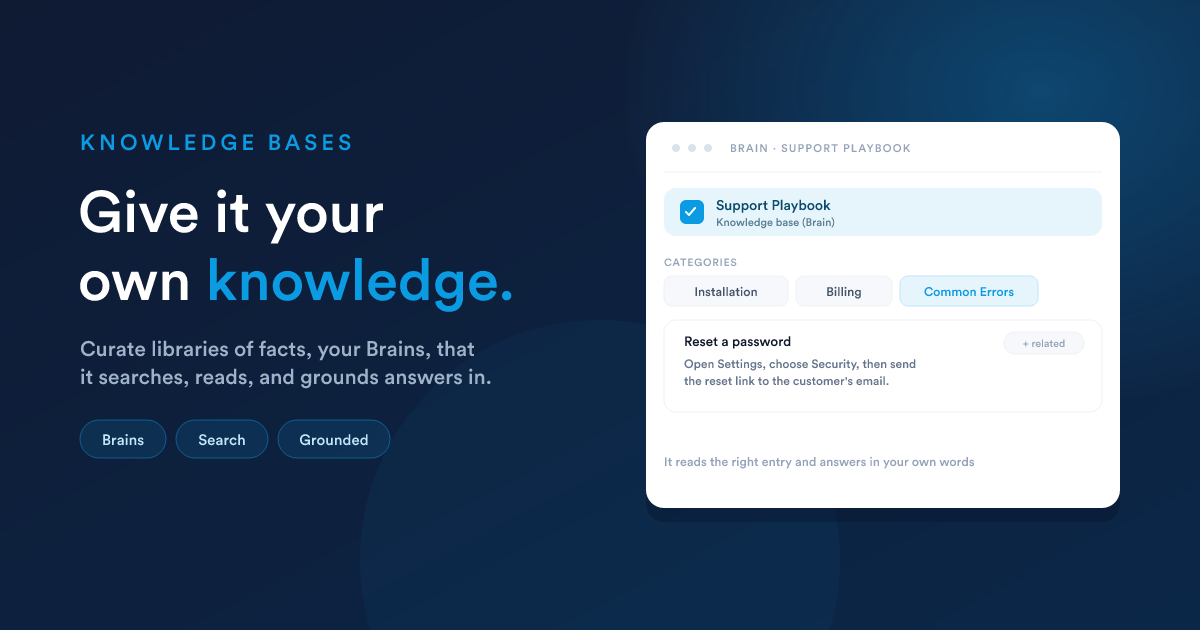
Out of the box, the assistant knows your records and your setup. A knowledge base, called a Brain in Flexie, adds the things that are not stored as records: how your business does things, the fine print of your offering, the way you like replies written. Give the assistant a Brain and its answers become grounded in your own material instead of general knowledge.
Why use one
A knowledge base grounds the assistant in your own approved material. Instead of answering from general knowledge, it answers from your product details, your policies, your playbooks, and the answers you have already written, applied consistently every time.
How a knowledge base is organised
Three simple levels, plus links between entries:
- A knowledge base (Brain) is the whole library, on one subject, for example "Product Manual" or "Sales Playbook".
- A category groups related documents inside it, for example "Billing" or "Onboarding".
- A document is one entry: a clear title and its content, in plain, lightly formatted text.
- Documents can link to related documents, so the assistant can follow a topic from one entry to the next, the way you would follow cross-references.
Building one by hand
The Brain page is a simple three-column manager:
- Knowledge bases on the left. Create one, give it a name and a short description.
- Categories in the middle for the selected knowledge base.
- Documents on the right: pick a category, then add and edit its documents in a clean reader-and-editor view.
You can search within a knowledge base to find an entry quickly, and build up a web of related documents as the library grows.
Locked vs. editable
Each knowledge base is either editable or locked (read-only):
- Editable knowledge bases are living. The assistant may add and update entries in them when you allow it.
- Locked knowledge bases are reference material. The assistant can read them, but never change them. Use this for material that should only ever be curated by a person.
What the assistant does with a knowledge base
When a knowledge base is assigned to an assistant, it can:
- Discover which knowledge bases it has and what categories they hold.
- Search for the most relevant documents and see a short snippet of why each matched.
- Read a document in full, and follow its related links to dig deeper.
- Add and update documents and categories, in editable knowledge bases only, and after the usual approval.
- Import in bulk, turning a long block of text into many documents in one go, split by its headings. Re-importing the same titles updates those entries rather than creating duplicates.
The assistant can only reach the knowledge bases it has been assigned, and it can only change the ones that are not locked.
Assigning knowledge bases to an assistant
A knowledge base does nothing until you give it to an assistant. You choose which knowledge bases each can use:
- For the main assistant and each specialist, in Settings & models.
- For an AI step in a workflow, on that step itself. See AI in workflows.
When an assistant has knowledge bases assigned, a short summary of them is woven into its instructions, so it knows what it can look things up in.
A worked example
You sell software and support is answering the same setup questions over and over. You create a "Support Playbook" knowledge base, with categories like Installation, Billing, and Common Errors, and a document for each recurring question. You assign it to the assistant that drafts support replies. From then on, when a case comes in, the assistant searches the playbook, reads the relevant entry, and drafts a reply grounded in your own approved answers, not a guess.
Closely related
- Specialists: give a focused helper its own knowledge base.
- AI in workflows: assign a knowledge base to an unattended AI step.
- Settings & models: assign knowledge bases to the main assistant and specialists.