AI in workflows
Last updated 6 June 2026
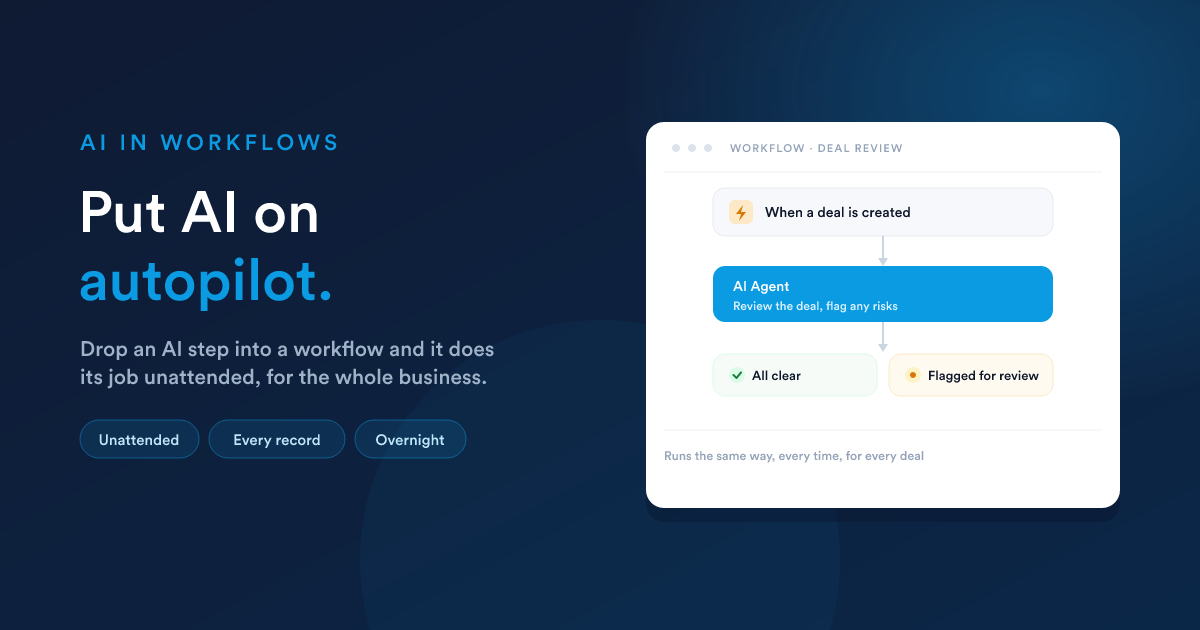
Place the AI inside an automated process as a step, and it does its job unattended, the same way every time, for the whole business rather than one person at a time. Because it is a step in a process, it can react to a record, run on a schedule, and pass its answer on to the steps that follow.
How it works
You add an AI Agent step to a workflow and give it a job, written in plain words: "review this deal and flag any risks," "draft a reply to this support message," "summarise what happened today." From then on, every time the automation runs, the AI does that job automatically, with no one watching.
Setting up an AI step
The step gives you everything you need to define the job:
| Setting | What it does |
|---|---|
| AI provider & model | Which AI powers this step. |
| Task | The job to do this run, in plain words. You can weave in details from the record being processed, so each run is about the right customer or deal. |
| Instructions | The standing brief: who the AI is and how it should behave for this step. |
| Abilities | Which abilities this step is allowed to use, chosen per step. See What the assistant can do. |
| Knowledge bases | Which of your knowledge bases this step may draw on. See Knowledge bases. |
| How many steps | A limit on how much work it may do in one run, so it always finishes in good time. |
| Memory | Optionally let it remember context from one run to the next. |
| Live updates | Optionally stream its progress to a connected screen as it works, useful for chat-style experiences you build yourself. |
| Answer format | Either a structured answer (clean fields that later steps can read precisely) or a free-text answer (natural writing, ideal for messages and summaries). |
| Where the answer goes | The answer is saved under a name you choose, so any later step in the workflow can use it. |
What people build with it
- Audit new records. When an important deal or customer is created, the AI reviews it and flags anything unusual for a person to check.
- Draft replies. When a support case arrives, the AI reads it and prepares a suitable response for the team.
- Generate written briefings. On a schedule, the AI looks at live business data and writes a summary: a daily or weekly briefing produced on its own.
- Make context-based decisions. Where a process needs judgement that is more than a simple rule, the AI weighs it up and the workflow branches on its answer.
- Enrich and clean data. As records arrive, the AI fills gaps and tidies them.
Why it is different from chatting
Chatting helps one person, one request at a time. An AI step works for the whole business, continuously.
- It runs as a reliable, repeatable step, the same way every time.
- It can be placed in many workflows at once, each with its own job.
- It works unattended: overnight, on weekends, while your team is offline.
- It handles one record or thousands without slowing down.
Staying in control
You decide, in advance, exactly which abilities and which knowledge bases each AI step may use, so an unattended step only ever works within the limits you set. The answer it produces flows into the rest of your workflow, where your normal rules and conditions take over. See Approvals & safety.
Closely related
- Workflow automation: the engine the AI step runs in.
- AI by text & WhatsApp: a workflow that answers messages with AI.
- Knowledge bases: give an AI step your own facts to work from.